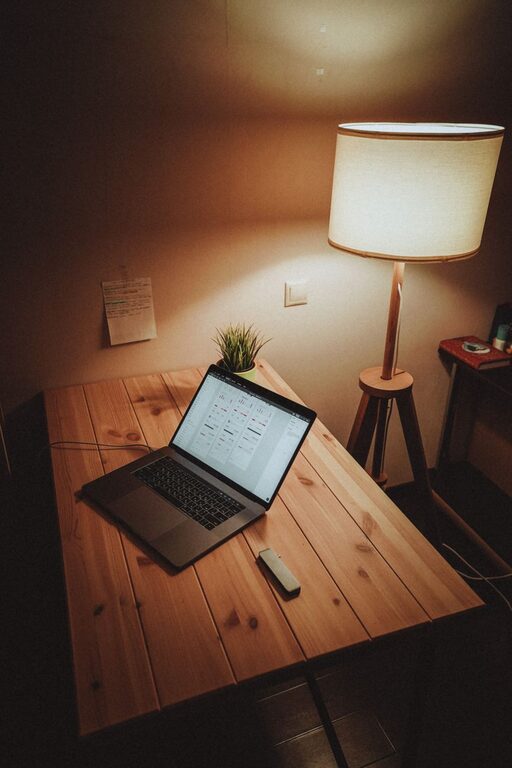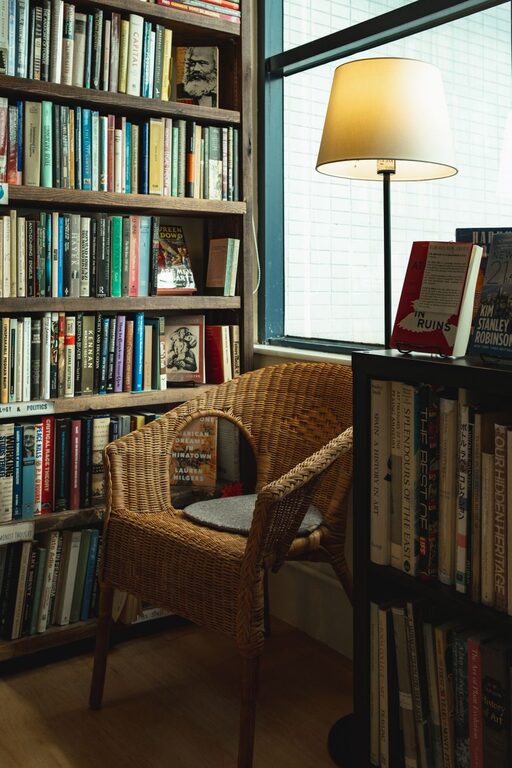
Creating an organized and comfortable home workspace is essential for maintaining focus and efficiency while working remotely. Whether you use a dedicated room or a corner of your living space, small changes can make a big difference. In this post, we’ll explore simple yet practical tips to help you design a workspace that boosts productivity and feels good to be in.
Why Organizing Your Home Workspace Matters
An organized workspace reduces distractions, helps you find what you need quickly, and creates a positive atmosphere that encourages productivity. Comfort plays an equally important role by preventing fatigue and physical strain, allowing you to work longer and more effectively.
1. Choose the Right Location
The first step is selecting a good location for your workspace:
– Natural Light: Aim for a spot near a window to benefit from natural daylight. It improves mood and reduces eye strain.
– Minimal Noise: Select an area away from high-traffic or noisy parts of your home.
– Dedicated Space: If possible, reserve a space exclusively for work to help mentally separate work from leisure.
2. Invest in Ergonomic Furniture
Comfort is key when you spend long hours at your desk. Consider these tips:
– Chair: Use an adjustable chair with good lumbar support to prevent back pain.
– Desk Height: Your desk should allow your elbows to rest at a 90-degree angle.
– Monitor Position: Position your computer screen at eye level to avoid neck strain.
3. Declutter Your Desk
Clutter can distract and overwhelm you quickly. Keep only daily essentials on your desk:
– Remove unnecessary items.
– Use desk organizers like trays, pencil cups, or small bins.
– Limit personal items to a few meaningful pieces that make you feel good without crowding space.
4. Organize Supplies and Equipment
Having supplies within reach but neatly stored improves workflow:
– Use drawer organizers for stationery.
– Label storage boxes or file folders.
– Mount shelves or use wall organizers to free up desk space.
5. Manage Cables and Technology
Tangled cables and cluttered tech can create frustration:
– Use cable clips or sleeves to group cords.
– Keep chargers and accessories in a dedicated container.
– Consider wireless devices like keyboards and mice where possible.
6. Personalize Your Space Thoughtfully
A pleasant workspace can boost morale but avoid overcrowding your area:
– Add small plants to improve air quality and bring nature indoors.
– Use motivational quotes or art that inspires you.
– Choose calming colors or décor that matches your taste.
7. Maintain Good Lighting
In addition to natural light, appropriate task lighting is important:
– Use a desk lamp with adjustable brightness.
– Avoid harsh overhead lights that can cause glare.
– Place your light source to reduce shadows on your work surface.
8. Create a Routine for Tidying Up
Keep your workspace consistently inviting by adopting a simple routine:
– Spend 5 minutes at the end of each day clearing your desk.
– File documents and put tools back in their places.
– Wipe down surfaces weekly to keep things fresh.
9. Incorporate Movement Breaks
An organized space should support healthy work habits:
– Arrange your area so you can stand or stretch periodically.
– Use a timer or an app to remind you to take short breaks.
– Keep water nearby to stay hydrated.
Summary
Organizing your home workspace doesn’t have to be complicated or expensive. Prioritize natural light, ergonomic comfort, and clutter control. Use practical storage solutions, manage your cables, and personalize your space in a way that makes you feel motivated and comfortable. By maintaining your workspace regularly and encouraging movement, you’ll create an environment that supports both productivity and well-being.
Try implementing these tips today and see how a well-organized workspace transforms your work-from-home experience.
About the Author